Visit
Agency

WalNext case study

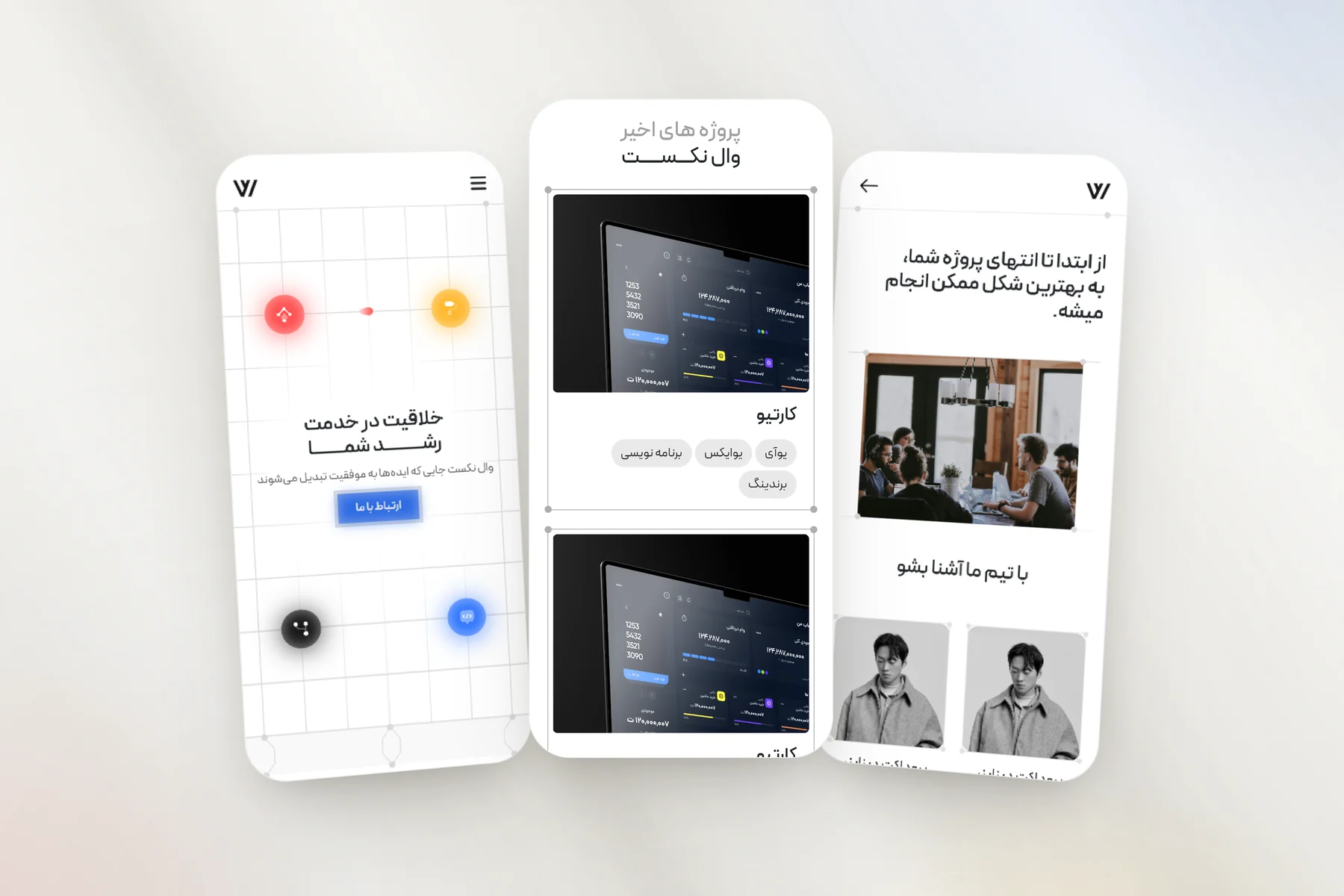
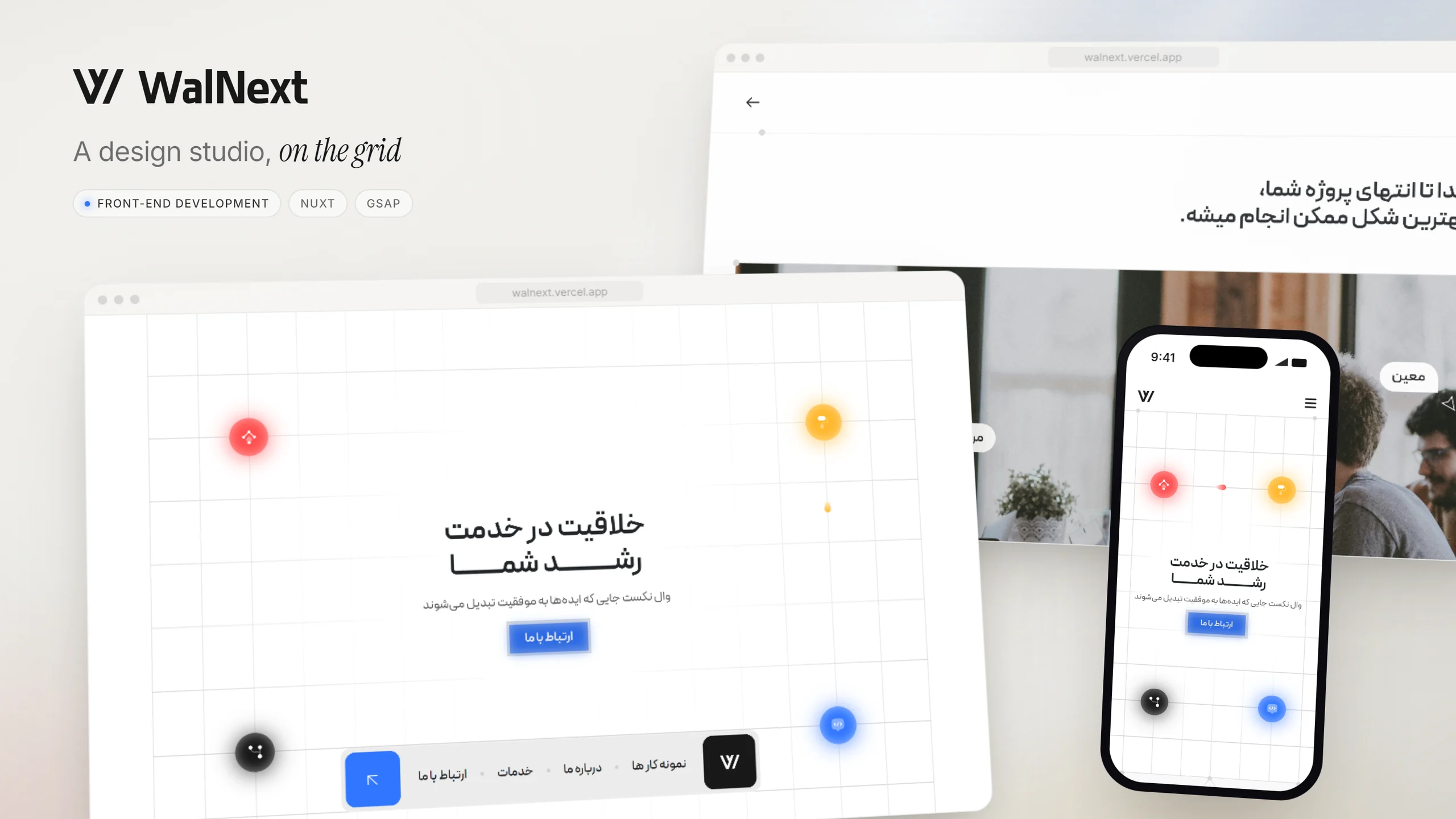
A right-to-left Persian site for a design and development studio, drawn on a visible grid, with the studio's four services as glowing icons and a small bullet that keeps travelling between them.

Role
Front-end developer
Stack
Nuxt 3 · Bootstrap · GSAP · Swiper
Year
2024
WalNext — project overview

01Overview

WalNext is a studio site: who the team is, the work it has done, the four services it sells — development, UI, UX and branding — and a way to get in touch. I built most of the front end — the landing page, the about and contact pages, the navigation and the motion — on Nuxt 3 with Bootstrap's right-to-left build, working with one other developer, who built the project case-study page.
02The challenge

A studio's own site is the first piece of work a client judges it by, so it has to look designed and feel alive, not like a template with the logo swapped in. It also has to read naturally right to left in Persian, and keep its motion from getting between a visitor and the contact button.

WalNext — A landing page on a grid

03A landing page on a grid

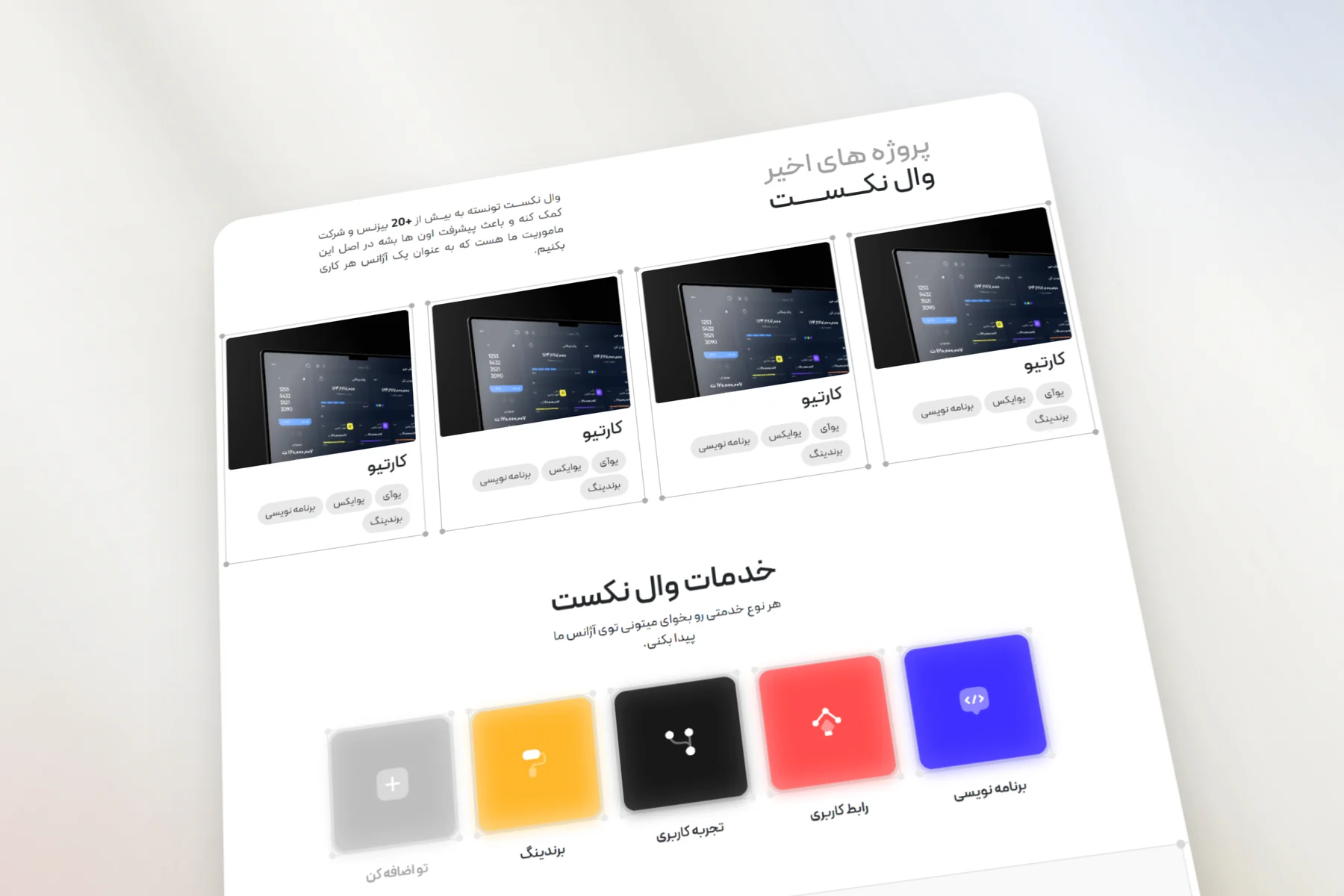
The stretch of the landing page shown here runs from the recent projects, each card carrying its tags, into the services, where every service has a colour of its own. Those same colours are the glowing icons on the hero's grid, where a bullet loops between them along the grid lines and changes colour at each icon it passes.

WalNext — The studio as a diagram

04The studio as a diagram

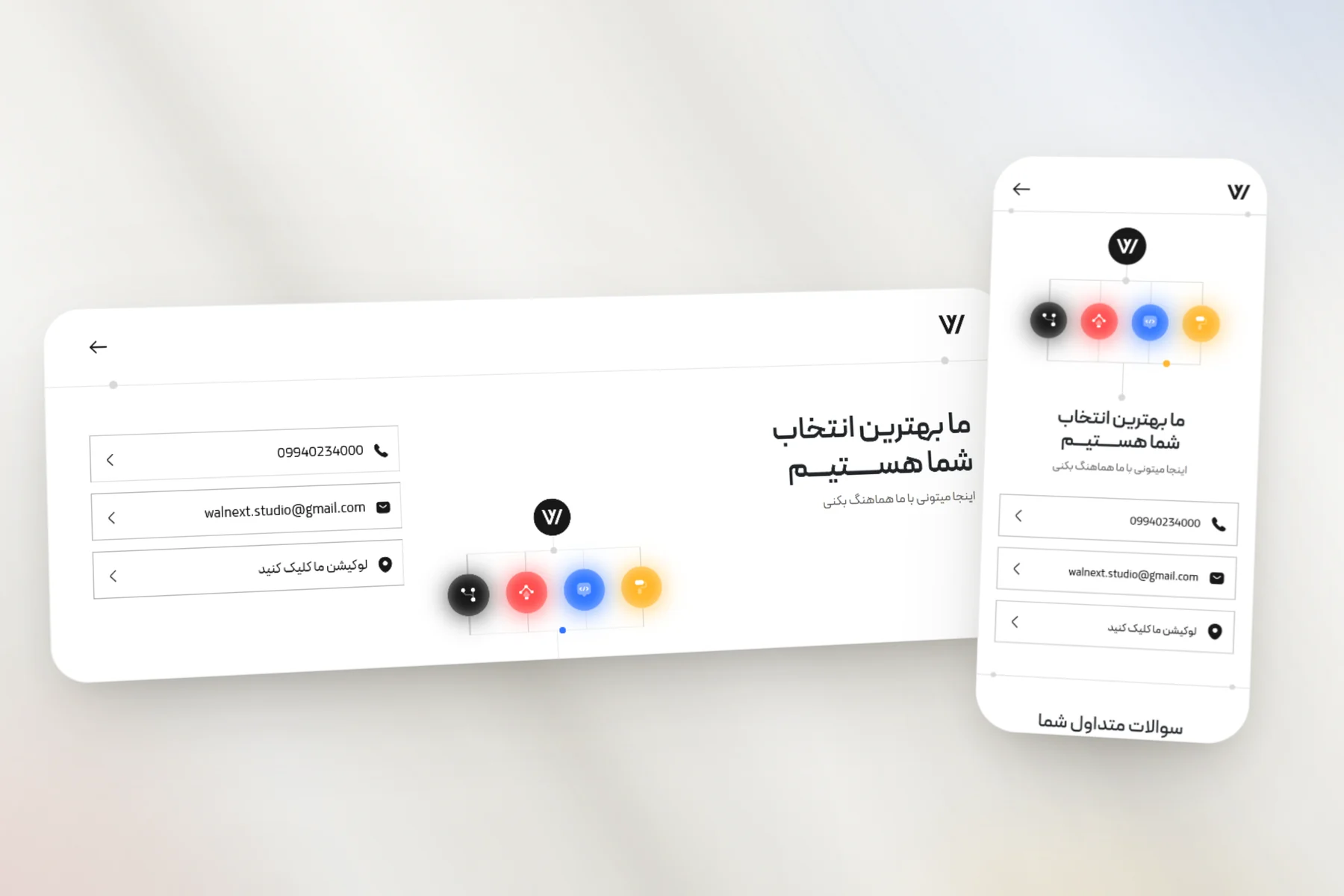
The contact page shown here, on desktop and on a phone, draws the studio as a small diagram: the WalNext mark at the top, a line down to the four service icons, and a bullet that runs from the mark to one of them, then picks another at random when it arrives. Phone, email and location sit as three plain rows, and on a phone the diagram moves up above the heading.

WalNext — The same site on a phone

05The same site on a phone

The screens shown here are the home page, the recent projects and the about page at phone width. The desktop's floating navigation bar becomes a full-screen menu whose links slide in one after another, and further down the home page the clients slider holds the page still while you swipe through its three slides, then hands the scroll back.

Let’s Stay Connected

Got questions or want to collaborate? Feel free to reach out — I’m open to new projects or just a casual chat.

0%